|
Notes |
|
|
(0021425)
|
|
Marcus D. Hanwell
|
|
2010-07-19 17:42
|
|
|
I think this is already present. You can set the chart title to ${TIME} (documented in the dialog) to have the current time. You can use 'Current time step is ${TIME}' or similar too. This was in the release, and I verified it is still functioning as expected in master. |
|
|
|
(0021426)
|
|
Alan Scott
|
|
2010-07-19 18:49
|
|
Nope, different feature.
* What you state above is a text display of the current time.
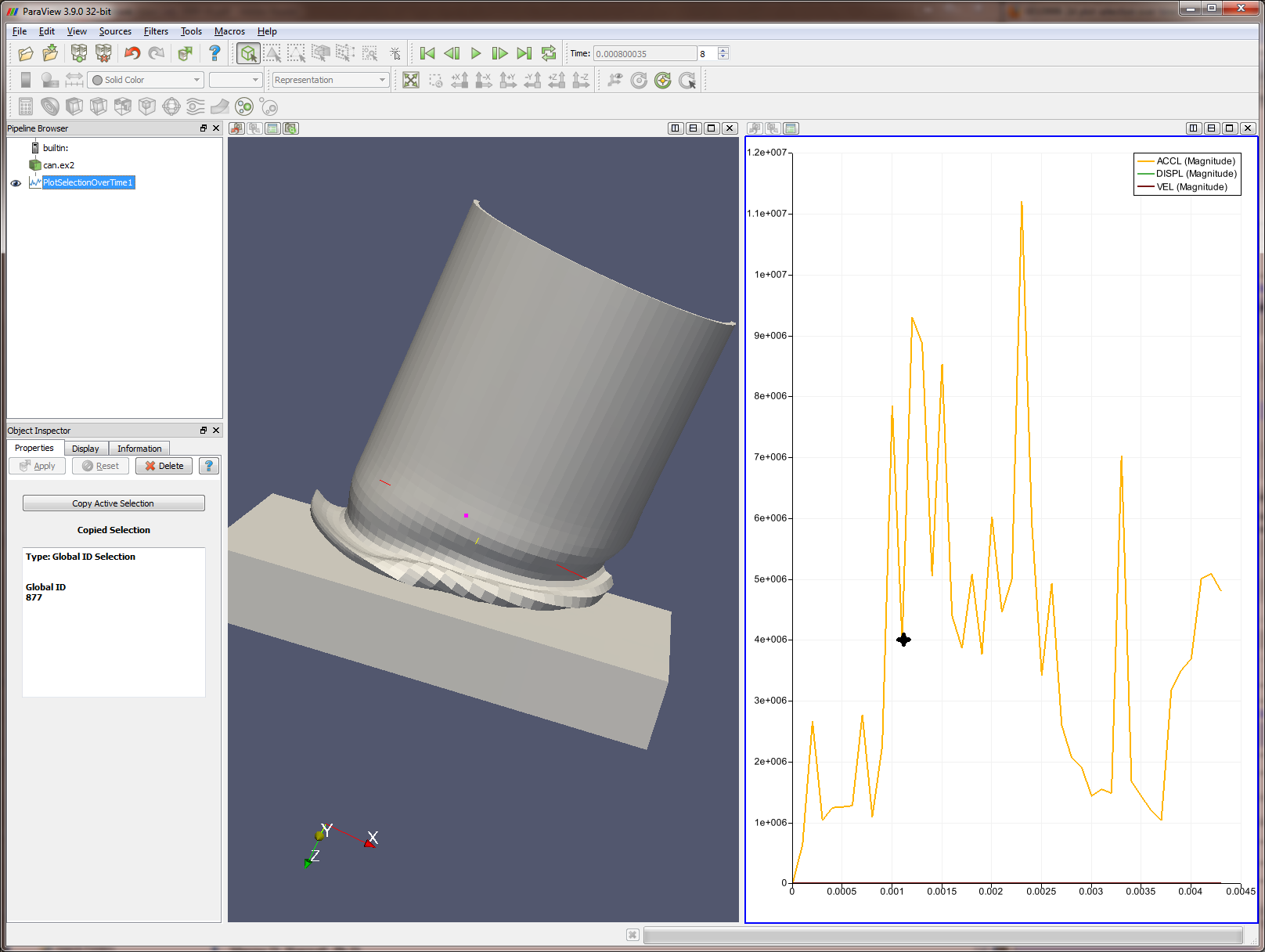
* What I am asking for is a mark, or cursor, or cross, or line, on the 2d plot itself that shows that time we are at.
One is text based, the other is mark based. |
|
|
|
(0026396)
|
|
Alan Scott
|
|
2011-05-02 19:35
|
|
|
Nope, Marcus also tried to resolve this bug as you did. I am asking for a different feature. |
|
|
|
(0026433)
|
|
Utkarsh Ayachit
|
|
2011-05-04 11:23
|
|
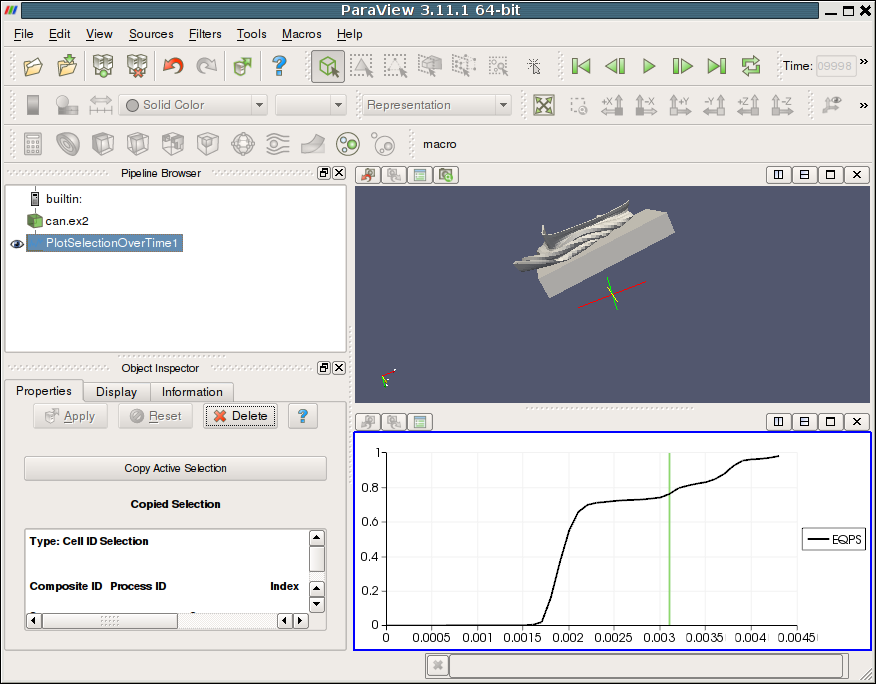
Please see the attached screenshot. Isn't that what you're looking for? Or am I misreading this altogether?
Also note that it reflects the current time, so try going back/forth in using the VCR controller to see the marker more clearly.
I used "Plot Selection Over Time" to generate the plot. |
|
|
|
(0026436)
|
|
Alan Scott
|
|
2011-05-04 14:10
|
|
Yes, this is what I was looking for. It would be nice to allow this option to be toggled on and off, but lets wait until we have a request.
Tested trunk, local server, Windows. |
|
 timeMarked2dPlots.png (243,046) 2010-07-29 22:41